Canva Unveils Major Update
Canva Visual Suite 2.0 Revolutionizes Digital Creation
 Next AI Tool2 min read·Apr 12, 2025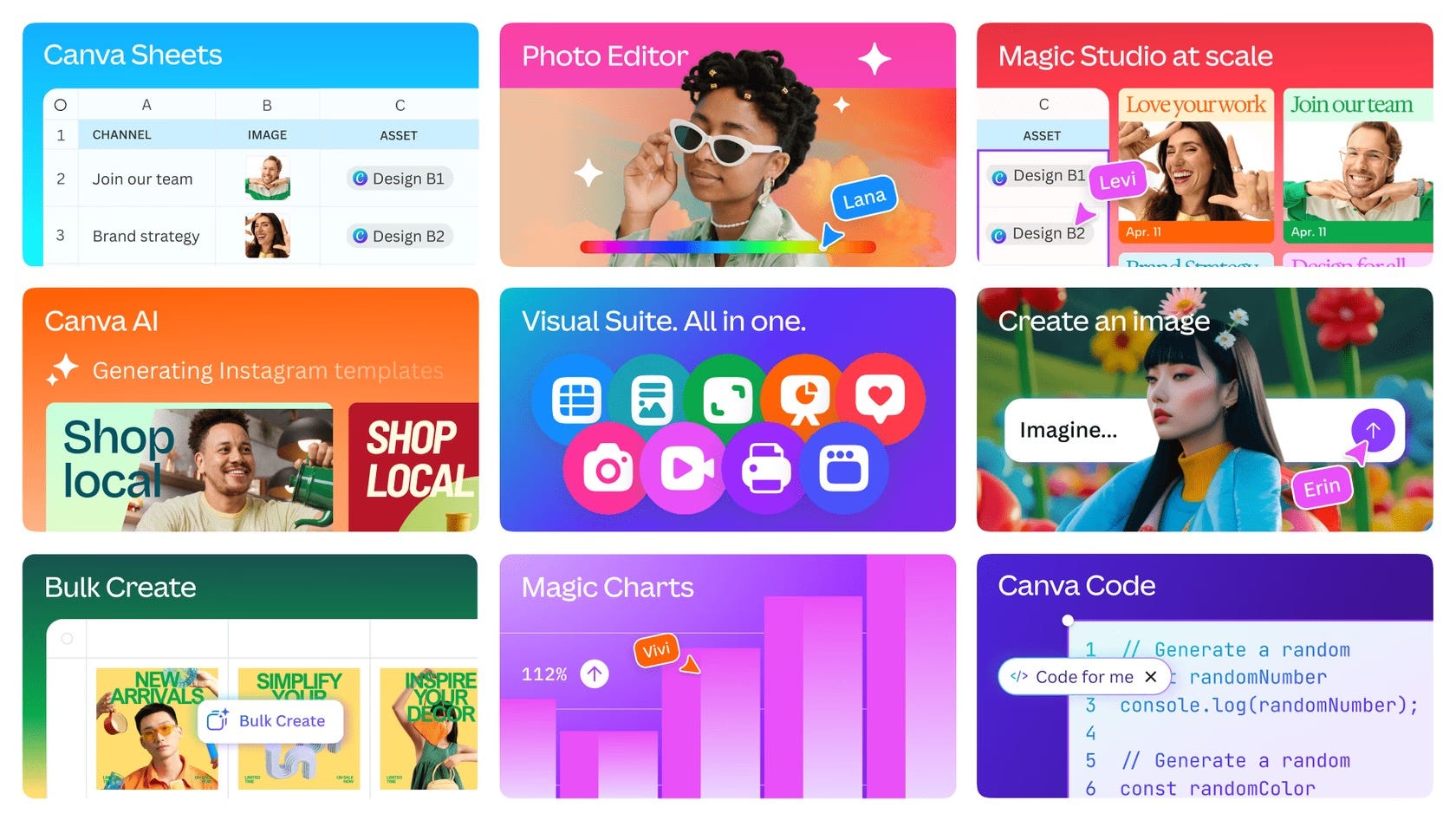
Canva has just launched its biggest update in a decade: Visual Suite 2.0. This thrilling new version is poised to change the game for creators by combining all the essentials — design, spreadsheets, coding, and photo editing — into one user-friendly platform. No more switching between tools like Figma, Excel, and Photoshop; this upgrade is all about making your creative journey smoother than ever.
A standout feature is Canva Sheets, an innovative reimagining of traditional spreadsheets. Users can now create beautiful, AI-powered spreadsheets, using plain English to build formulas, auto-analyze data, and effortlessly embed dynamic charts into presentations and documents.
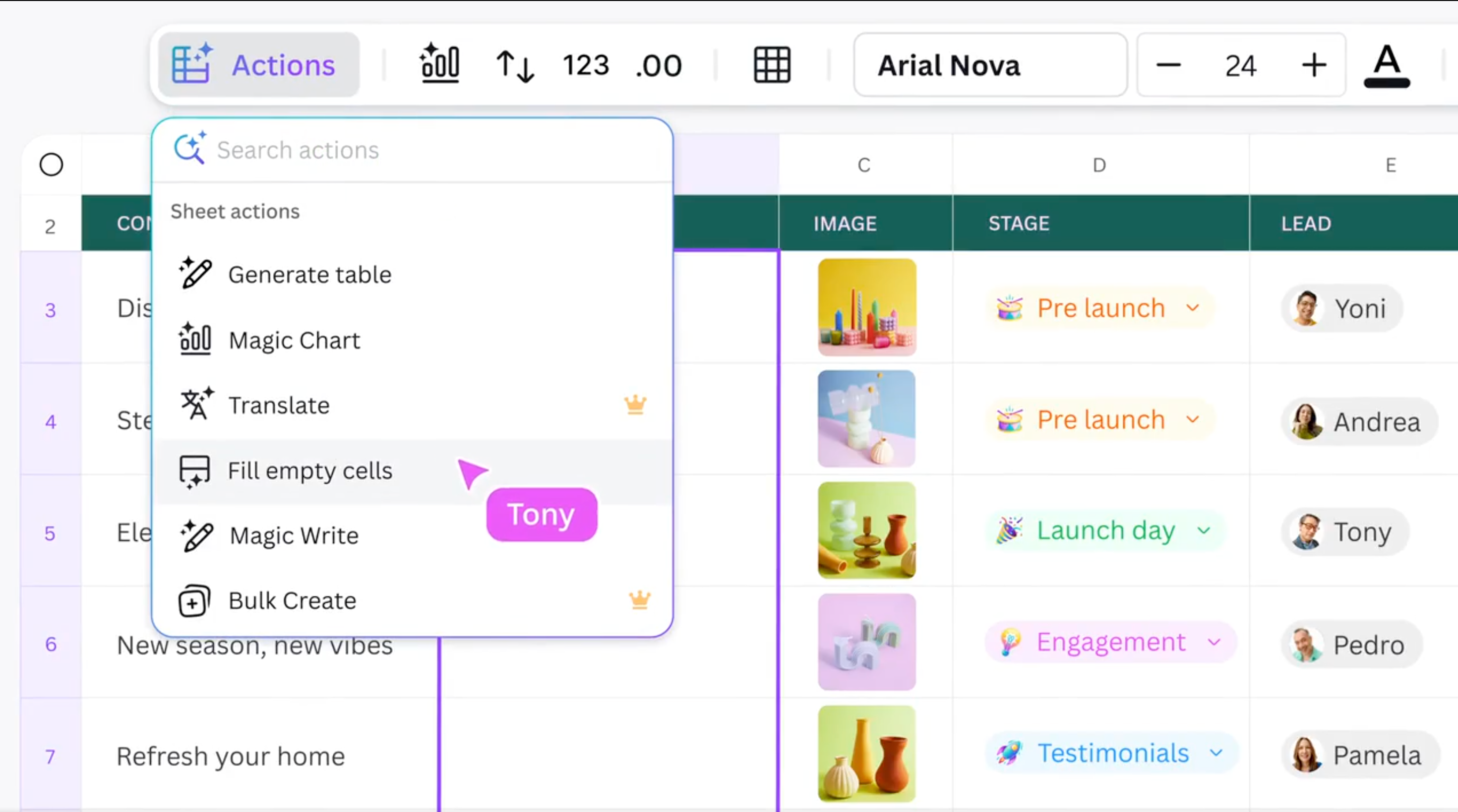
Magic Studio has also received a major upgrade, now allowing users to instantly generate hundreds of personalized design variations, auto-translate entire projects, and resize assets for multiple platforms with a single click. Complementing this, Magic Charts connects live data from services such as Google Analytics, HubSpot, and Snowflake, automatically recommending visually compelling, interactive charts.
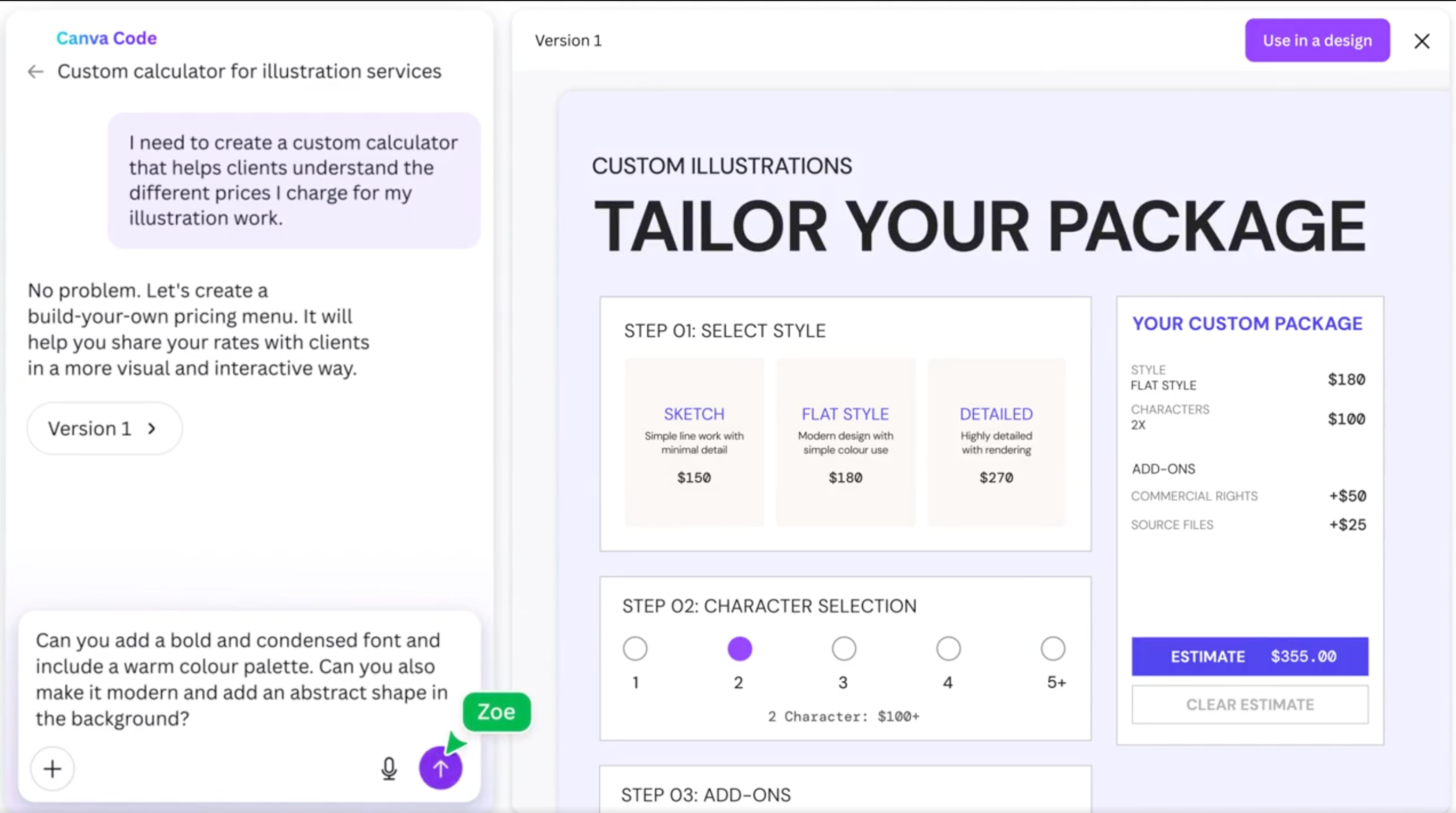
Canva’s latest AI enhancements simplify creativity. The platform’s AI now supports text and voice prompts, instantly generating complete presentations, graphics, or documents. With Canva Code, users can create interactive tools like quizzes or calculators without writing any code — just describing the desired functionality triggers instant creation.
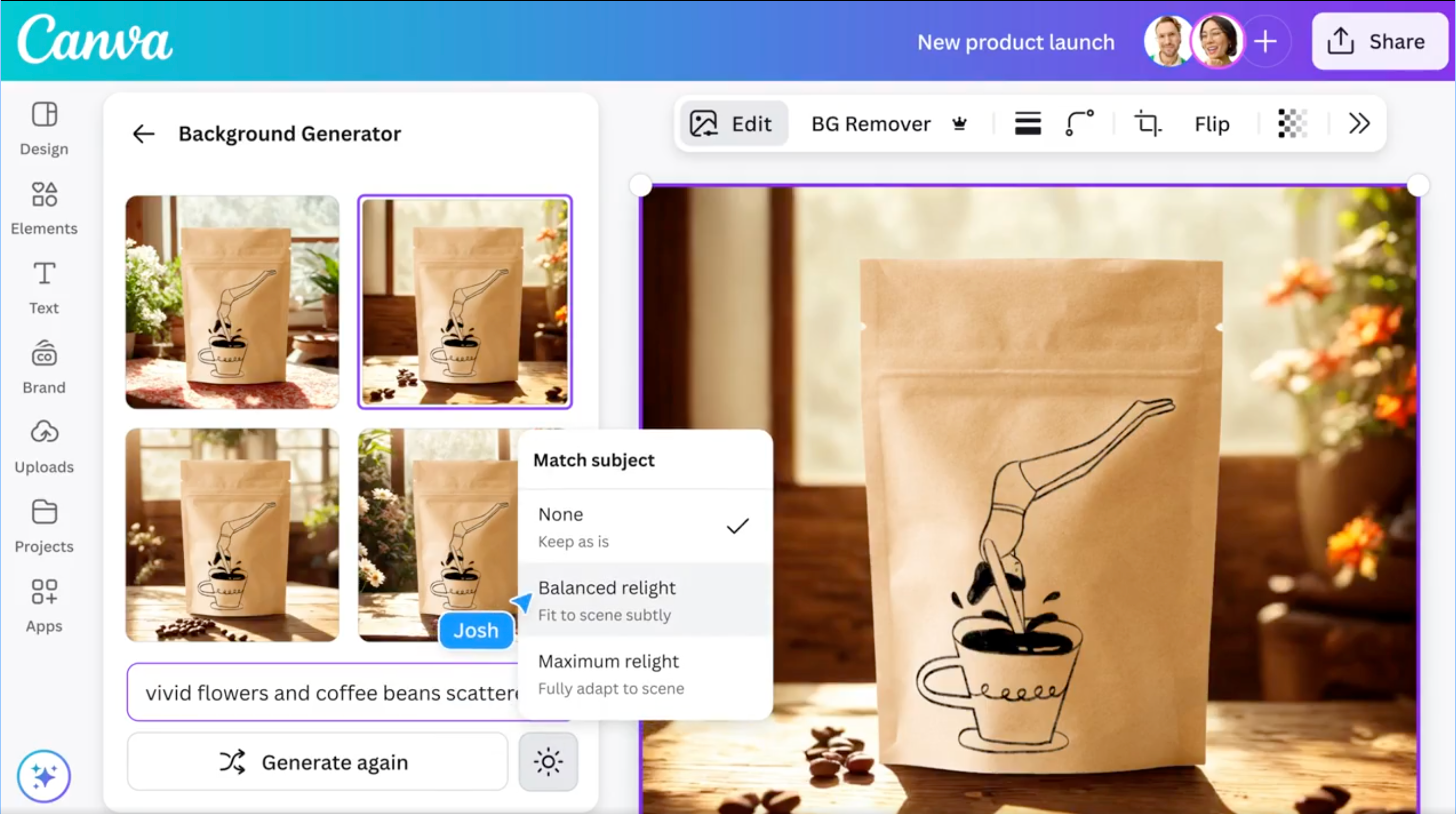
The AI Photo Editor has similarly transformed photo manipulation. Users can effortlessly remove backgrounds, generate entirely new scenes, or recolor and resize images by simply pointing and clicking, entirely within Canva’s workspace.
With Visual Suite 2.0, Canva has integrated multiple workflows into one cohesive experience, empowering users to create at the speed of thought, without ever needing to switch tools again.
Other News Articles
 Next AI Tool2 min read·Mar 28, 2025OpenAI Unveils GPT-4o’s Advanced Image GenerationTransforming AI Visuals Into Tools For Communication, Design, And Storytelling With Precision And Substance
 Next AI Tool2 min read·Apr 10, 2025Google Unveils Firebase StudioAI-powered Platform to Rapidly Build Custom Apps
 Next AI Tool2 min read·Mar 30, 2025Google DeepMind Unveils Gemini 2.5 ProA Breakthrough in AI Reasoning and Coding
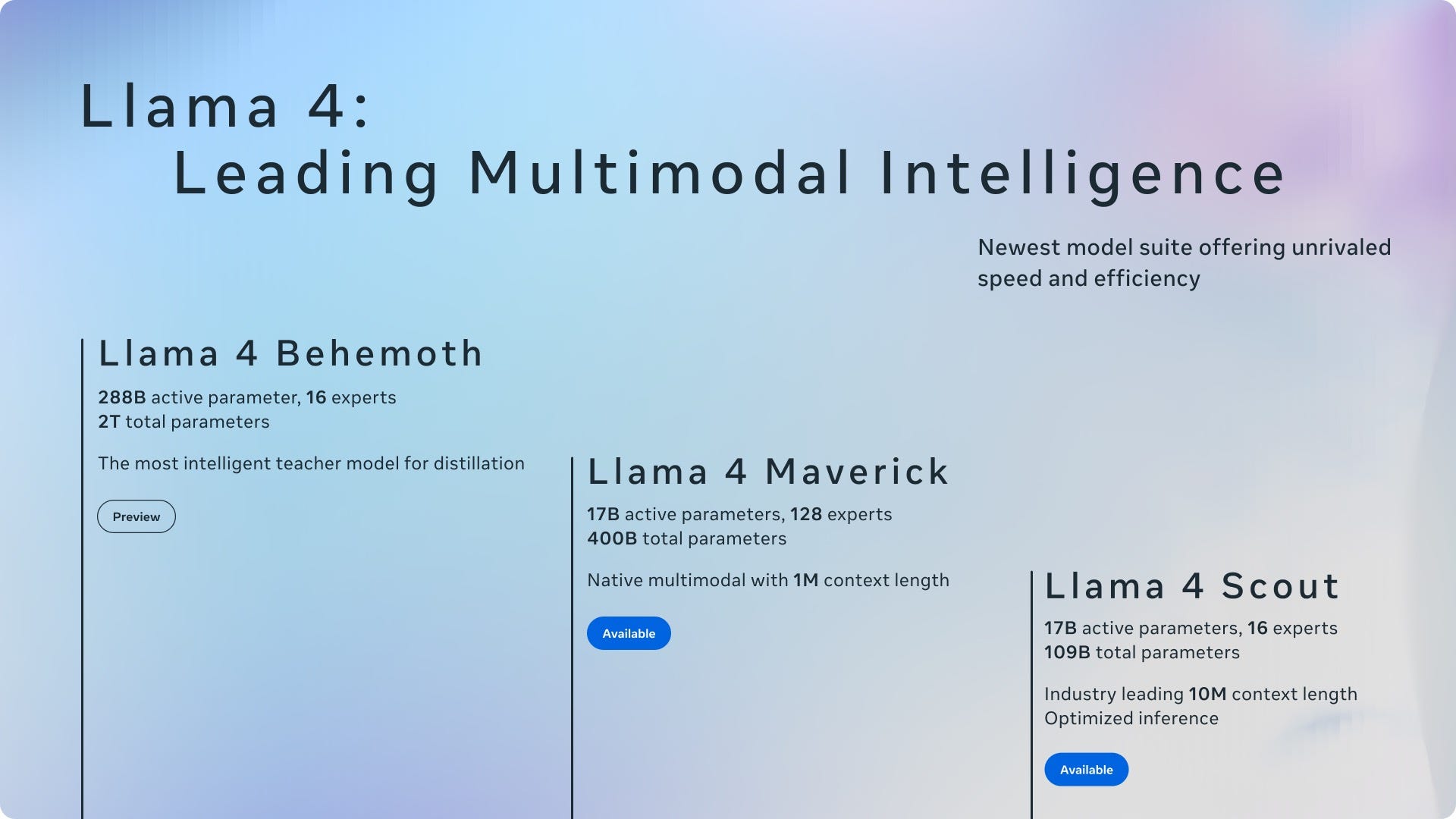 Next AI Tool2 min read·Apr 5, 2025Meta Unveils Llama 4A New Era of Multimodal AI with Scout and Maverick Models